> For the complete documentation index, see [llms.txt](https://help.parta.io/llms.txt). Markdown versions of documentation pages are available by appending `.md` to page URLs; this page is available as [Markdown](https://help.parta.io/editor/edit-elements/set-media-and-content-elements/divider.md).
# Divider
An element that is used to create a border (visual separation) between different content sections.
#### Double-click on an element to view its settings.
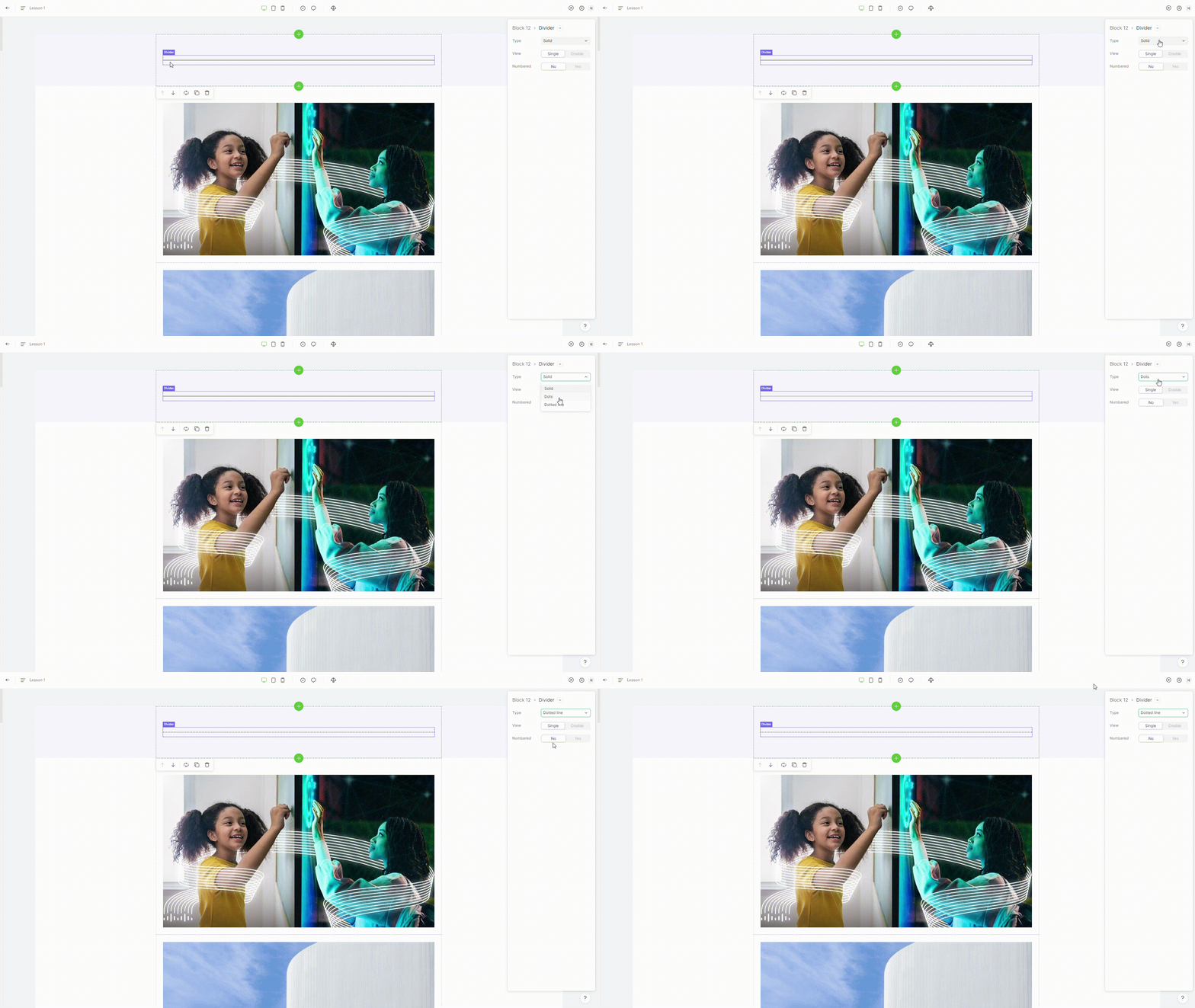
### 1. Type
To change the type of divider, **switch it** in the property "**type"**.
{% hint style="info" %}
Divider supports 3 types: solid, dots, dotted line.
{% endhint %}
### 2. View
To change the view of divider, **switch it** in the property "**view"**.
{% hint style="info" %}
The divider view can be either a single or double line.
{% endhint %}
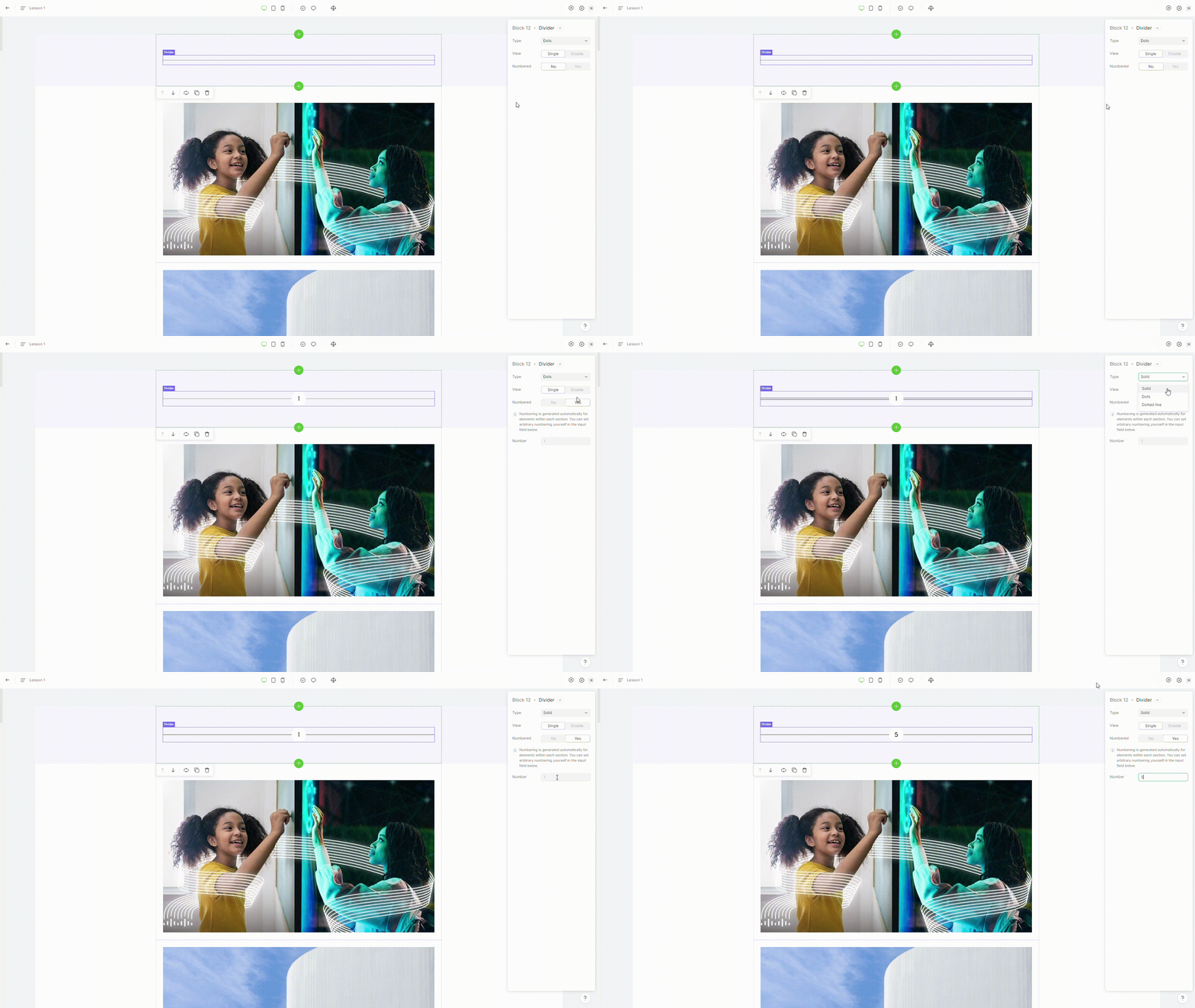
### 3. Numbered
You can turn the divider into a numbered divider by setting the property **numbered** to "**yes**".
{% hint style="info" %}
You can choose a number for a numbered divider. The max number is 99.
{% endhint %}