> For the complete documentation index, see [llms.txt](https://help.parta.io/llms.txt). Markdown versions of documentation pages are available by appending `.md` to page URLs; this page is available as [Markdown](https://help.parta.io/how-to/how-to-restore-a-deleted-block.md).
# How to restore a deleted block
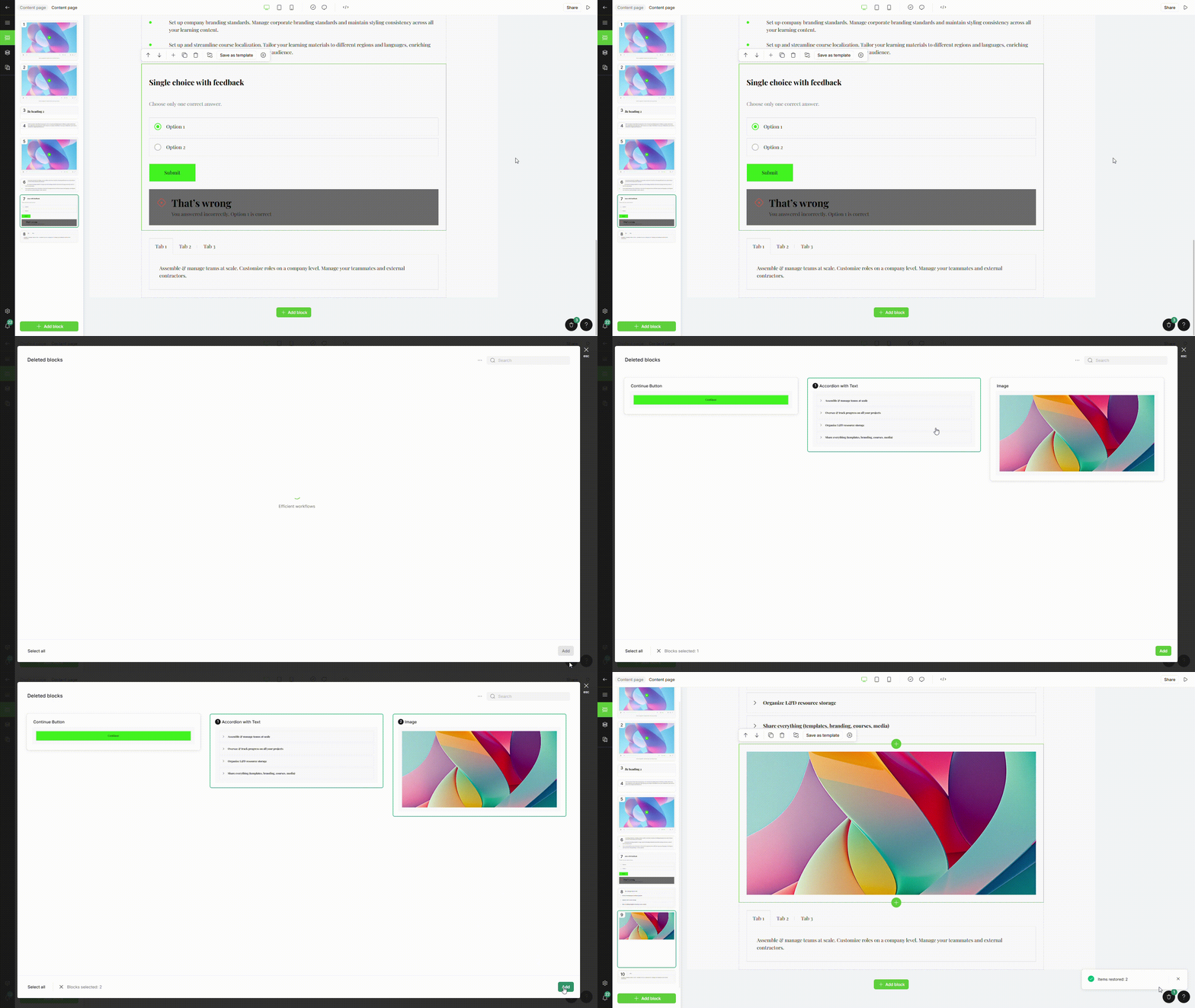
To restore a deleted block:
1. Click the **Trash** icon in the bottom-right corner.
2. In the template selection modal, choose the **Deleted block(s)**.
3. Click **Add** to restore the selected block(s) to the section.