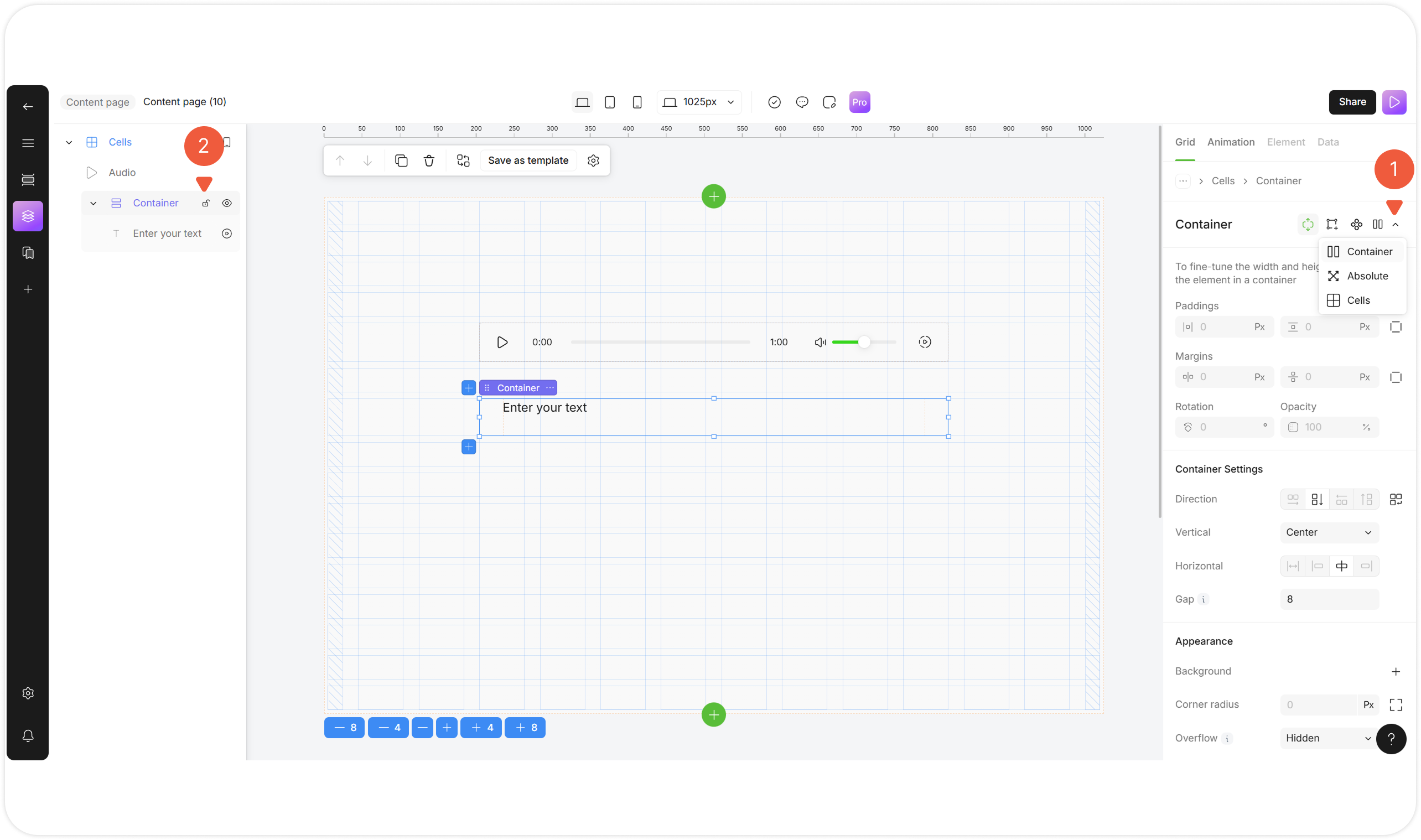
| № | Action | Description |
|---|---|---|
| 1 | Layout switch button |
A unit will change a parent layout. |
| 2 | Lock / unlock layout |
|

| № | Action | Description |
|---|---|---|
| 1 | Copy |
A duplicated unit will appear to the right of the original unit. |
| 2 | Lock |
|
| 3 | Unwrap |
A unit will be unwrapped from the current layout. A Block structure tab will be opened. |
| 4 | Navigate |
Navigate through the layout:
A Block structure tab will be opened. |