> For the complete documentation index, see [llms.txt](https://help.parta.io/llms.txt). Markdown versions of documentation pages are available by appending `.md` to page URLs; this page is available as [Markdown](https://help.parta.io/workspace/set-a-workspace/create-company-subaccounts.md).
# Create Company Subaccounts
### Multiple companies and subaccounts
Parta.io allows you to create a separate environment for course development by creating company subaccounts. It gives managers a possibility to separate teams and their work.
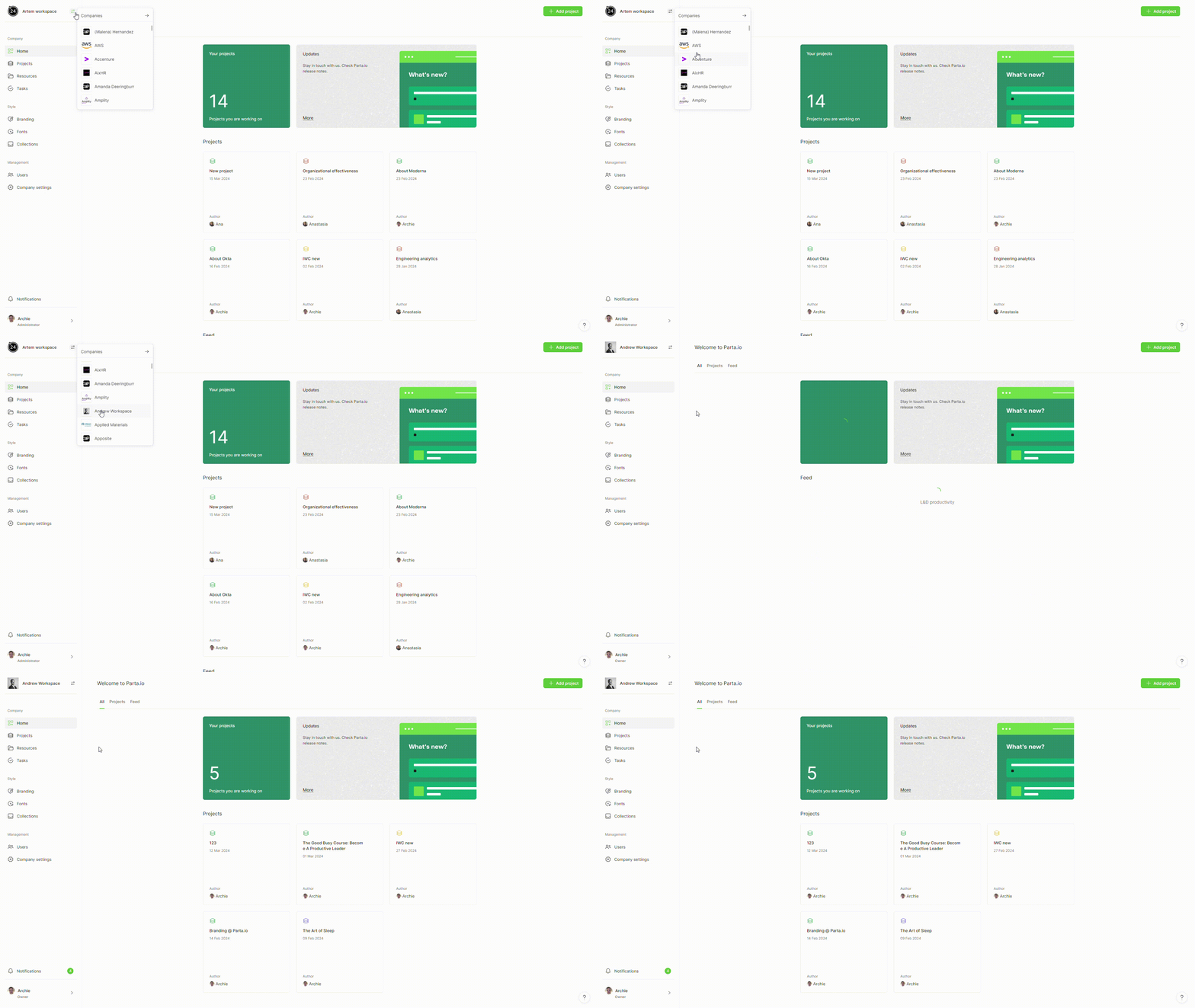
To switch accounts, click the "**Switch Accounts**" button in the top left corner on the company home screen.
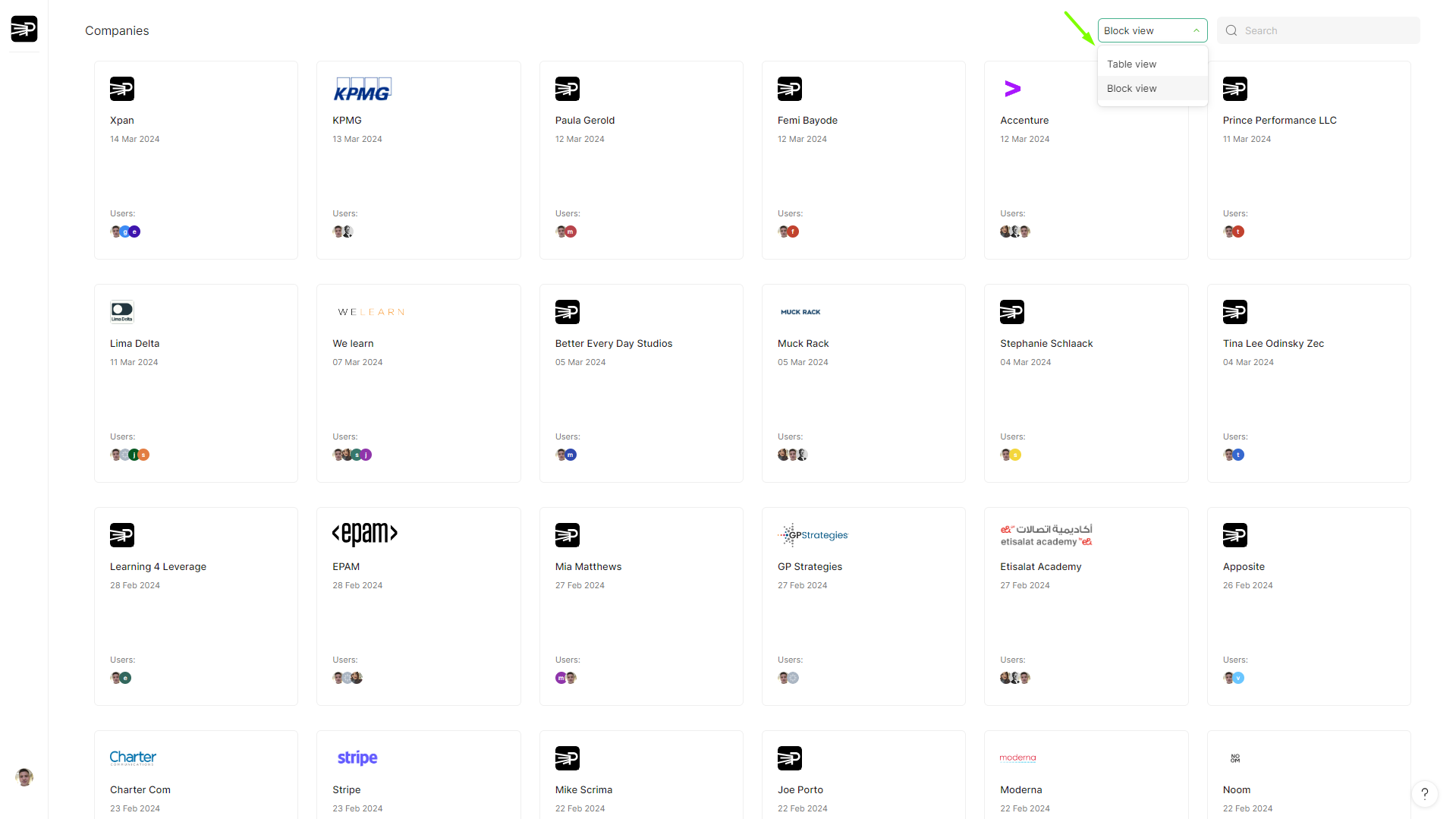
You can also open companies list where you can see the list of all the accounts you've been invited to (you can manage the view of companies in the top right using "**Company**" or "**Block View**").
{% hint style="success" %}
To create extra company, contact us at
{% endhint %}