> For the complete documentation index, see [llms.txt](https://help.parta.io/llms.txt). Markdown versions of documentation pages are available by appending `.md` to page URLs; this page is available as [Markdown](https://help.parta.io/workspace/set-a-workspace/set-up-company-settings.md).
# Set up Company Settings
The Company settings page enables you to manage basic information about the company.
All company settings and data are located on the "**Company Settings"** page in the Home screen.
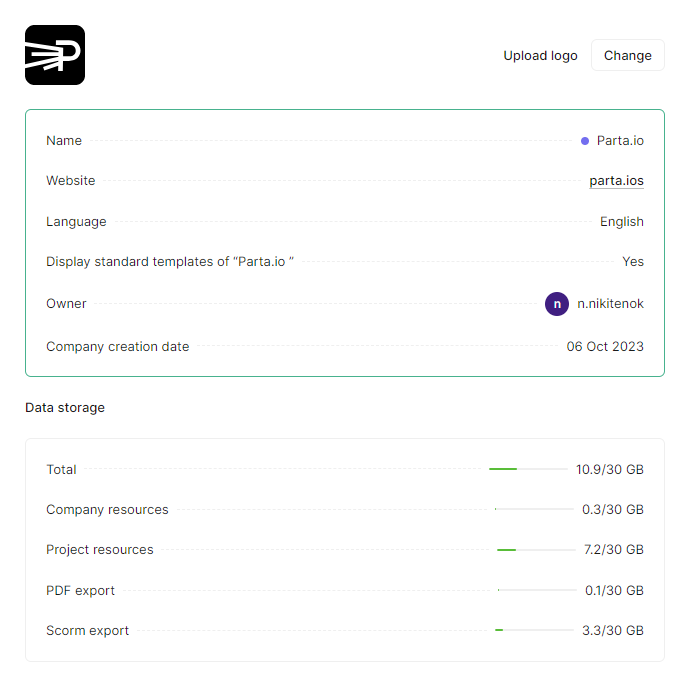
On this page, you can manage and update your company information:
* Logo.
* Company name.
* Language.
* An option to display standard "Parta.io templates.
* Basic fields: website, email, phone.
Also, you can check basic company details such as:
* The name of the company owner,
* The company's creation date,
* Total data storage capacity used,
* Company resources used,
* Project resources used,
* PDF export resources used,
* SCORM export resources used.
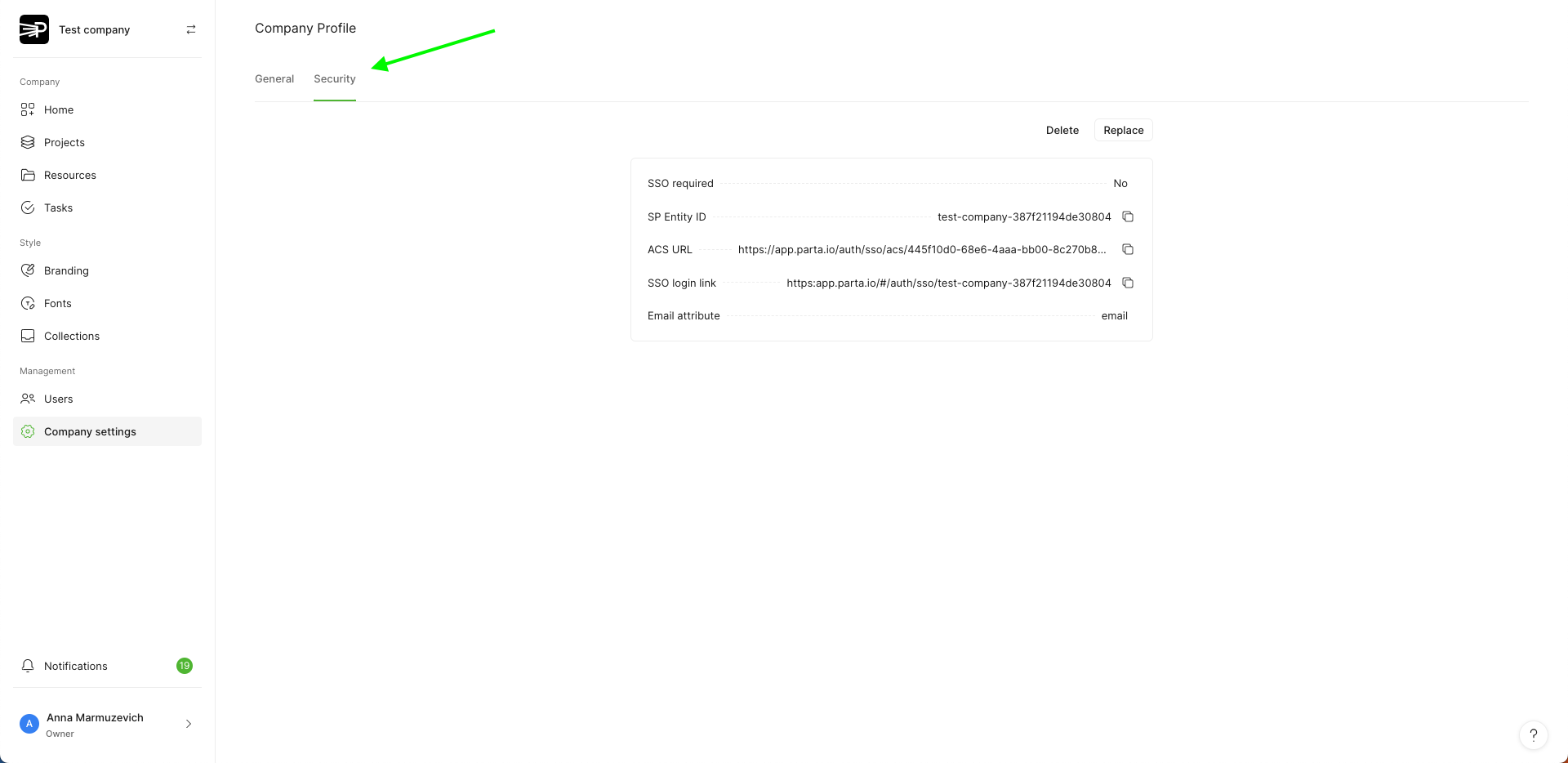
Additionally, you can set up the Single Sign-on (SSO) login for **"Contract"** type companies. For more details see [Single Sign-on (SSO)](/workspace/set-a-workspace/set-up-company-settings/single-sign-on-sso.md) page.